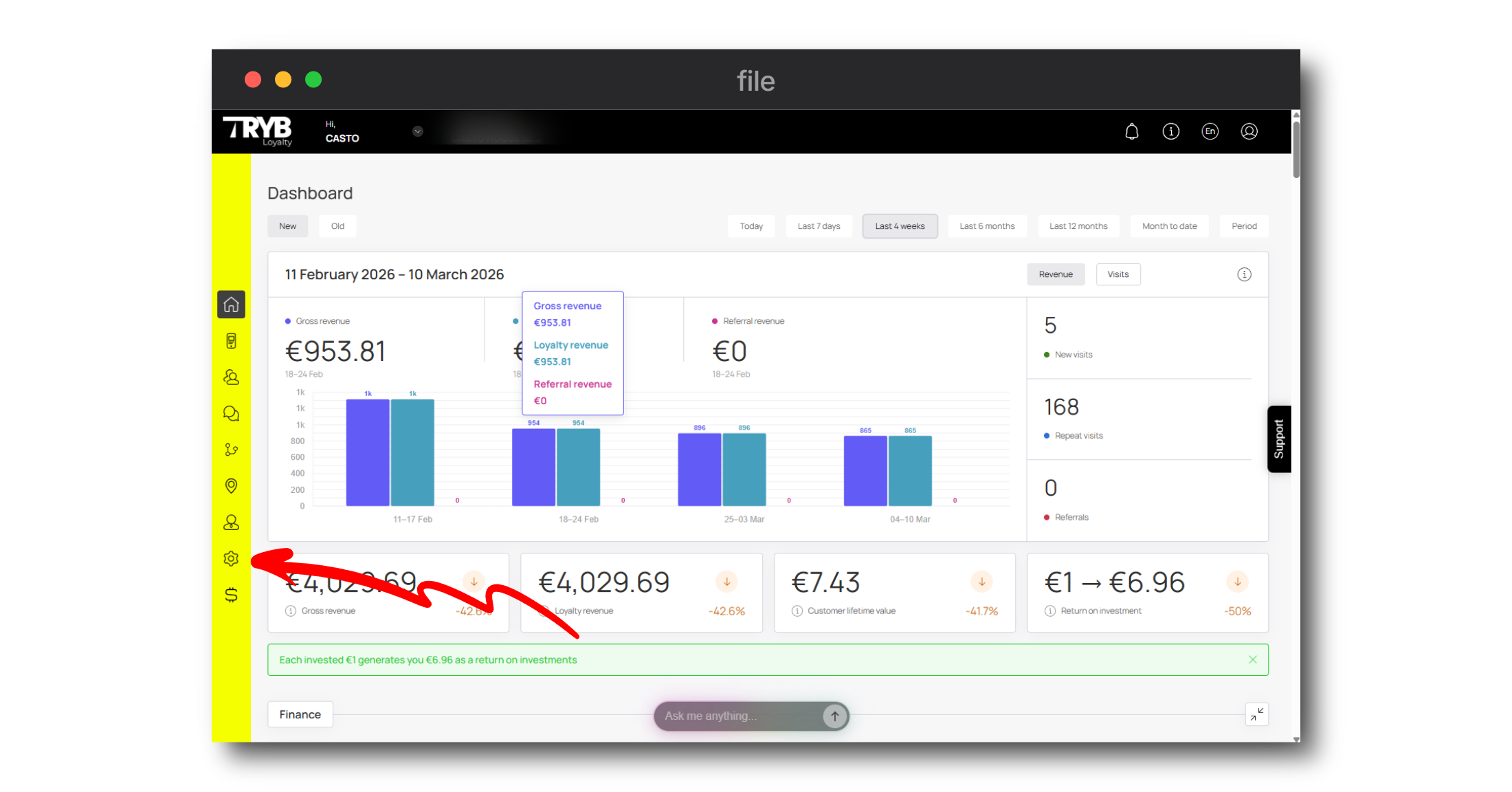
The Settings module allows you to tweak the application as well as your profile settings. All relevant settings are segregated into 9 categories with each category displayed via an individual tab. They include:
Plan
Personal Settings
Integrations (Business Plan)
Services
White Label (Business Plan)
About Us
Webhooks (Business Plan)
RFM
Notifications
1. To access the Settings module, navigate to the left-hand menu upon logging in.
2. From the list of modules, click the “Settings” menu ico on the left. This takes you to the Settings module where by default, the Plan tab is displayed.