What Twilio Is Used For
Connecting Twilio to your agency account enables SMS verification for loyalty card recovery. This is used when a customer tries to install a card that already has the status Installed.
In this situation, the system requests a verification code, which is sent to the customer via SMS through the Twilio account connected at the agency level. The customer enters this code in the card installation form to confirm ownership of the card. This allows the card to be restored or installed on another device.
If Twilio is not connected, the SMS verification code will not be requested or sent during the card installation process.
It is important to note that connecting Twilio does not enable SMS communication with sub-accounts or potential clients. Twilio is used only for sending verification codes during the card recovery process.
TRYB Loyalty > Left-Hand Menu > Settings > White Label
Follow the above-mentioned workflow to land on the White Label screen.
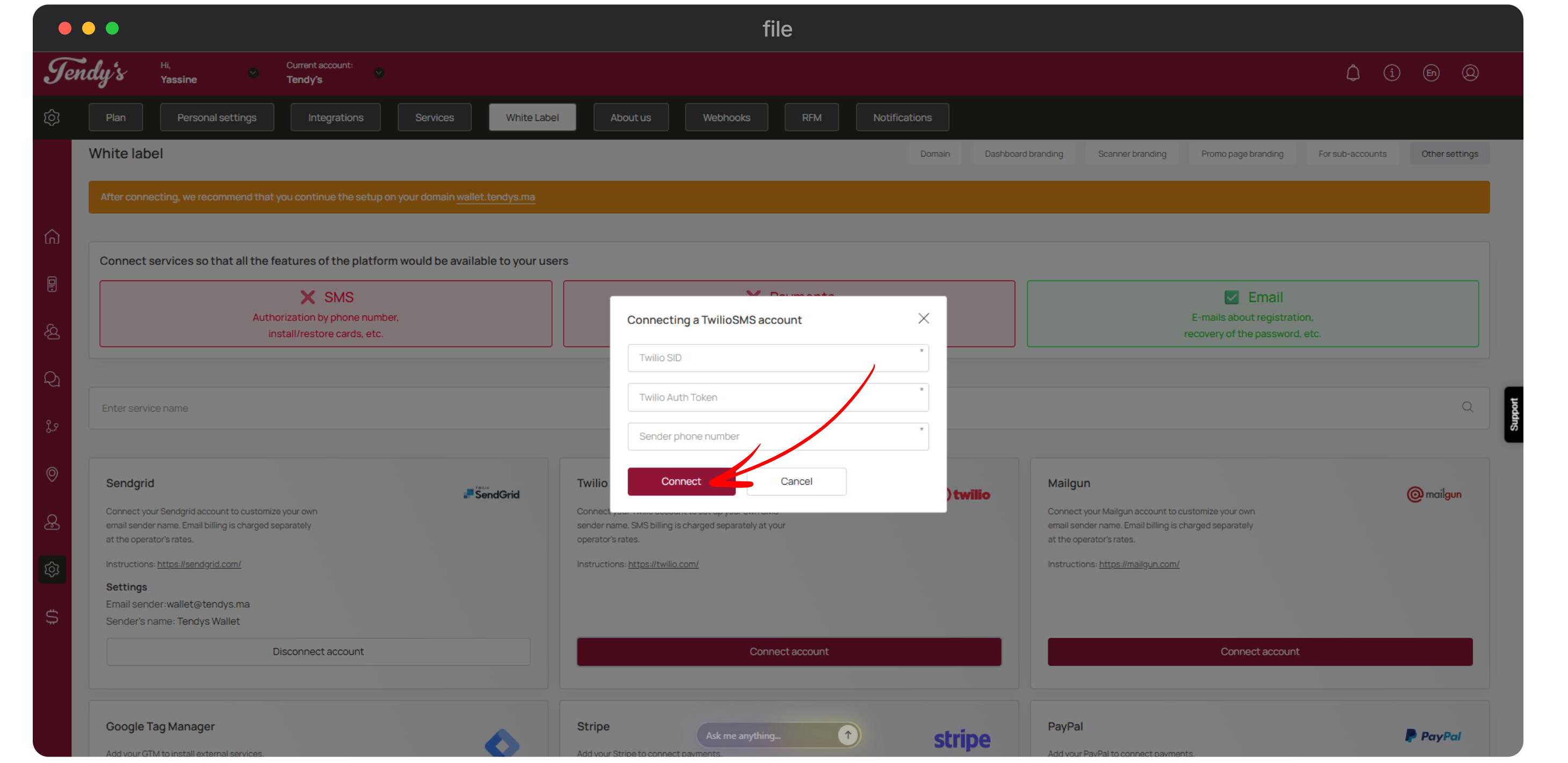
From the buttons displayed at the top-right corner, click Other Settings.
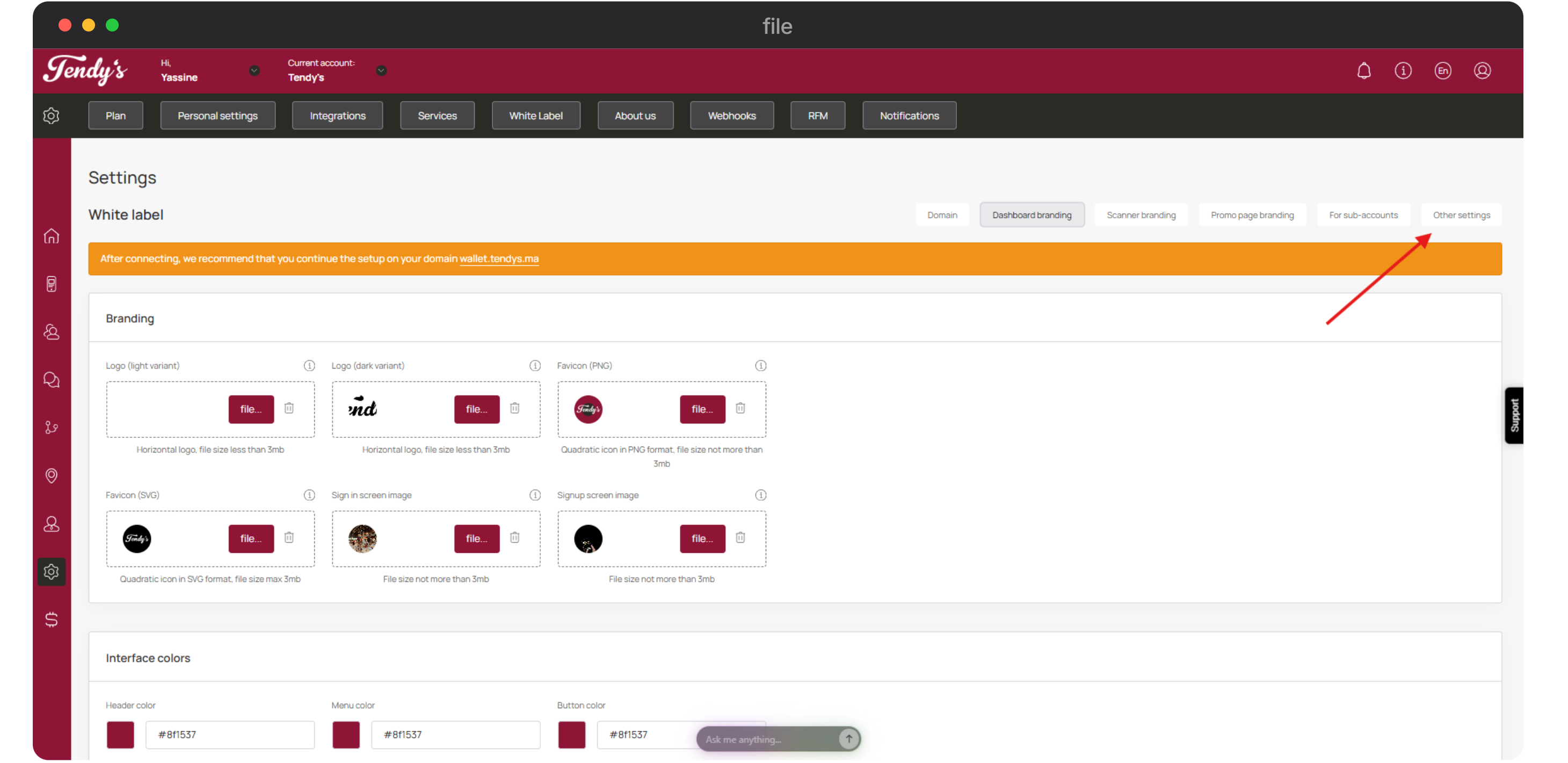
Navigate to the Twilio tile and click the Connect Account button.
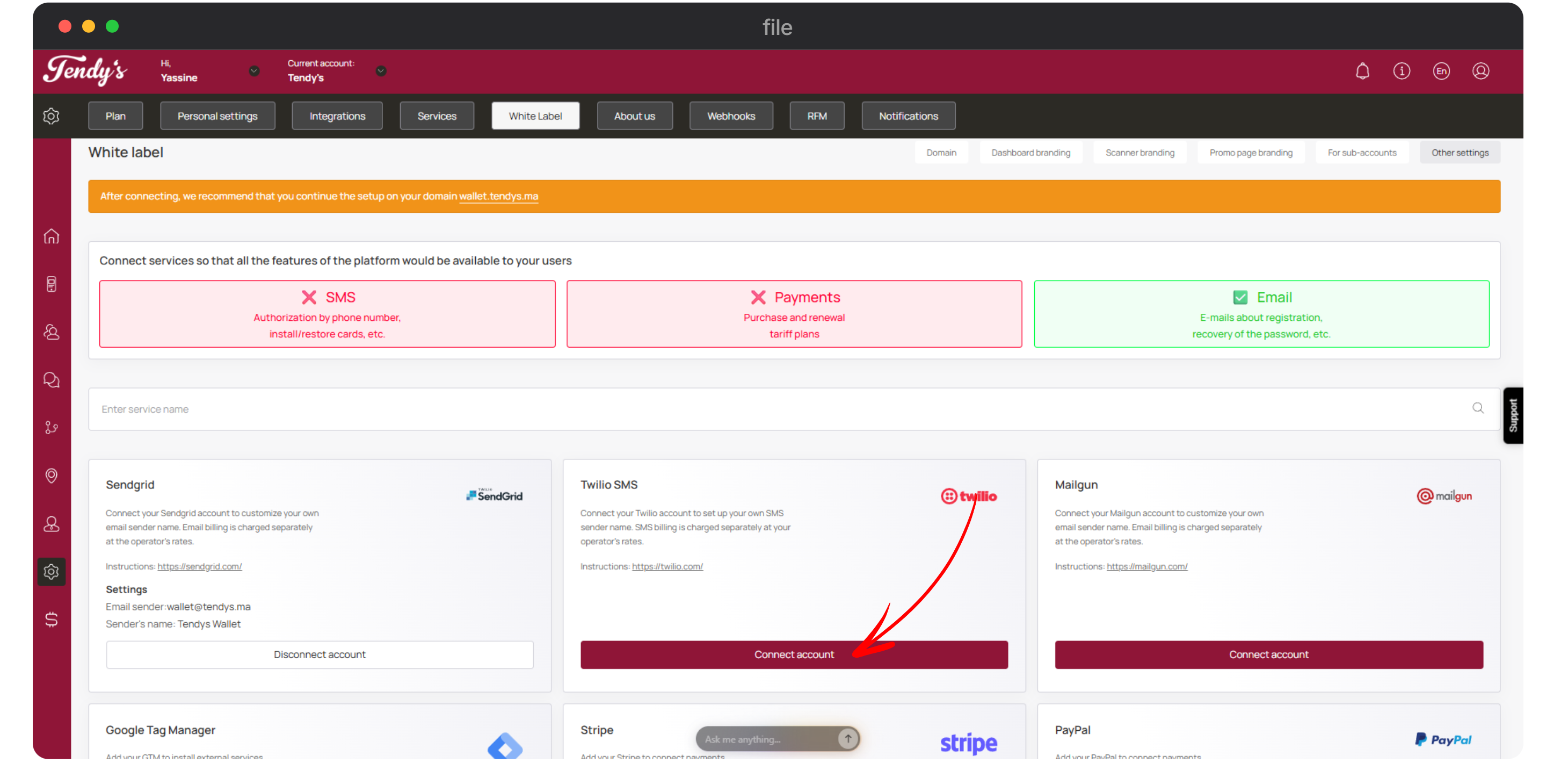
This opens the Connecting a TwilioSMS Account popup. Here, enter your Twilio SID in the Twilio SID field.
Enter the Twilio auth token in the Twilio Auth Token field.
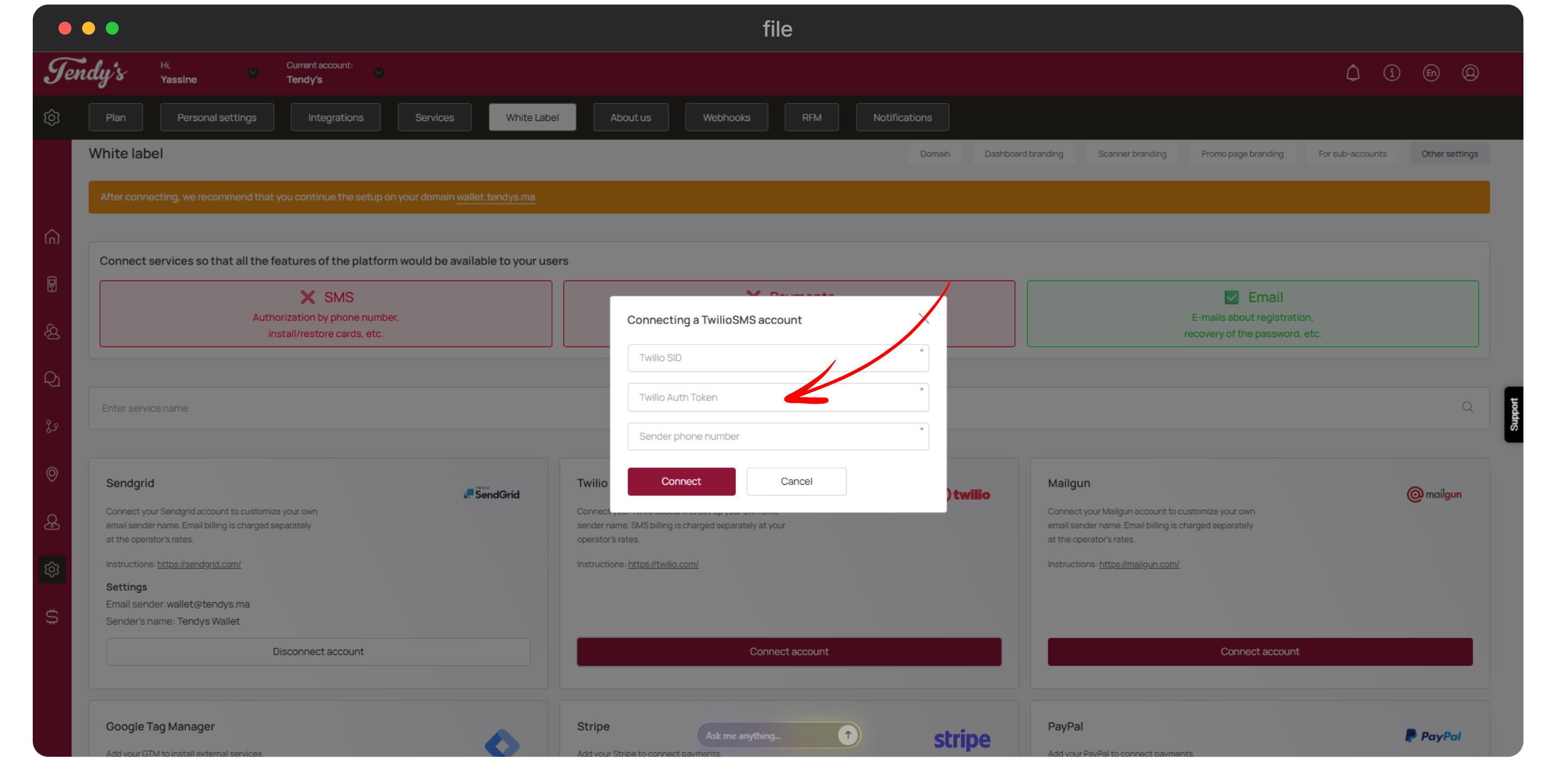
Use the Sender's Phone Number field to enter the sender's contact number.
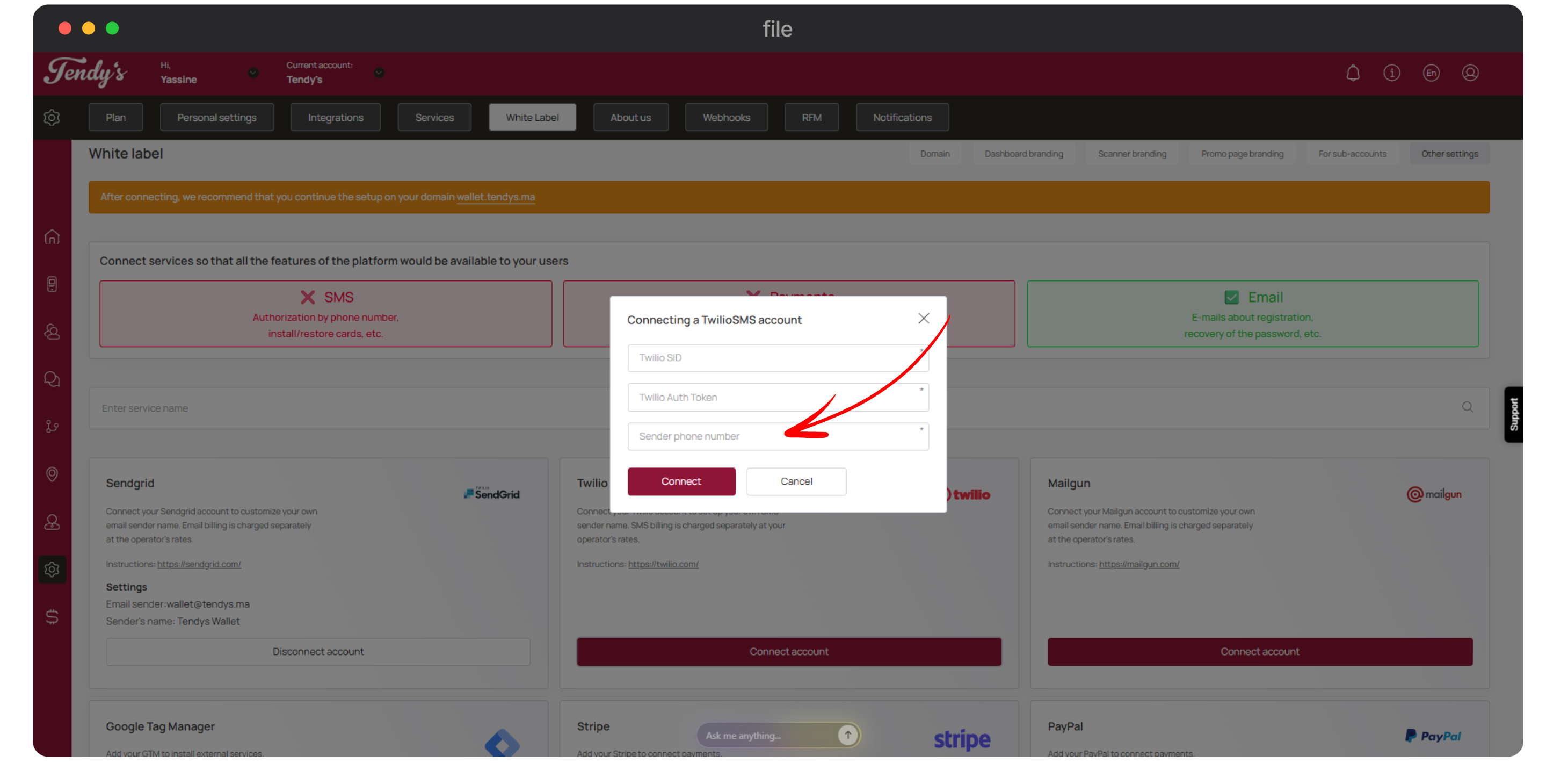
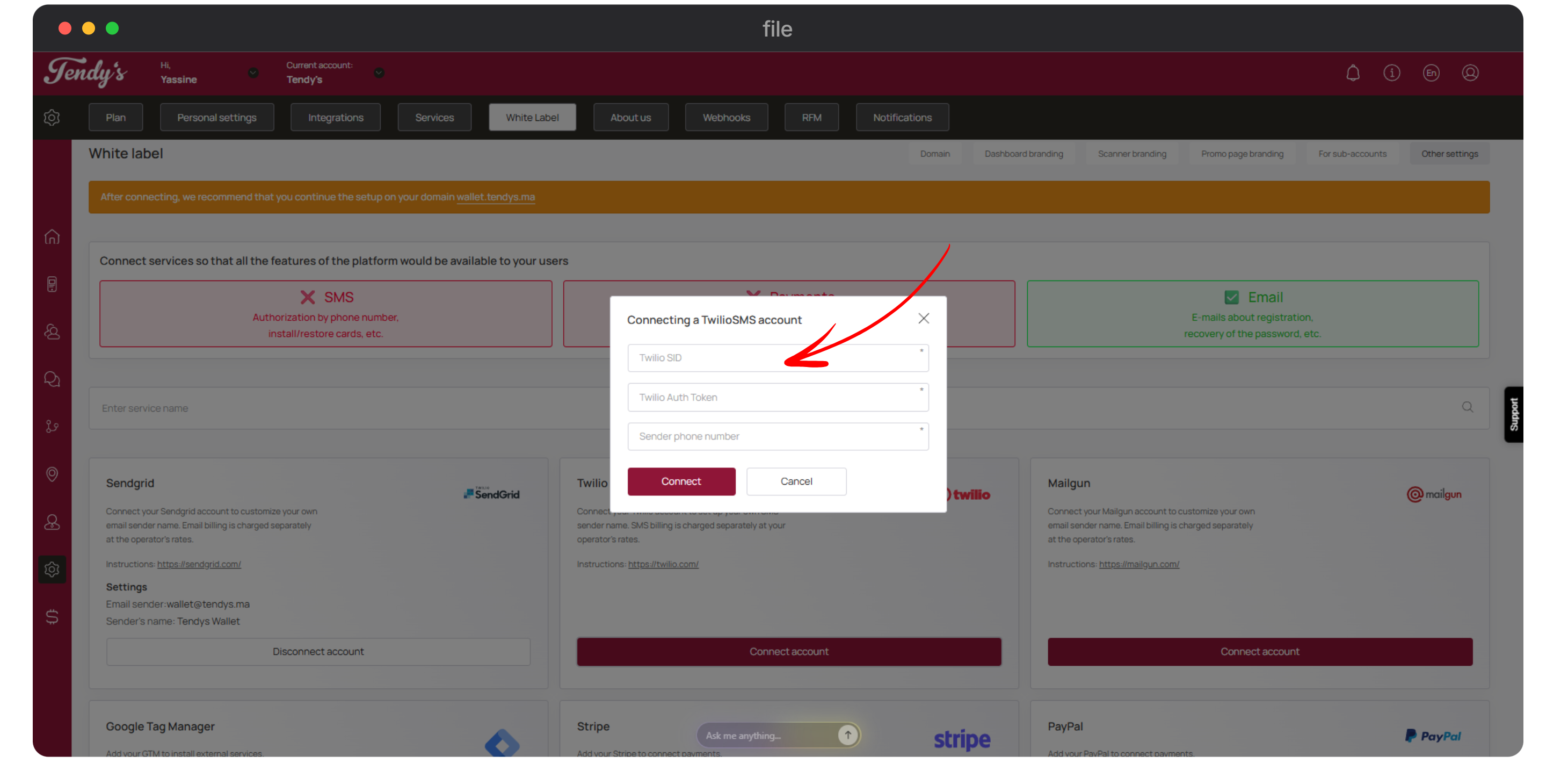
Once the details are provided, click the Connect button.