TRYB Loyalty > Left-Hand Menu > Settings > White Label
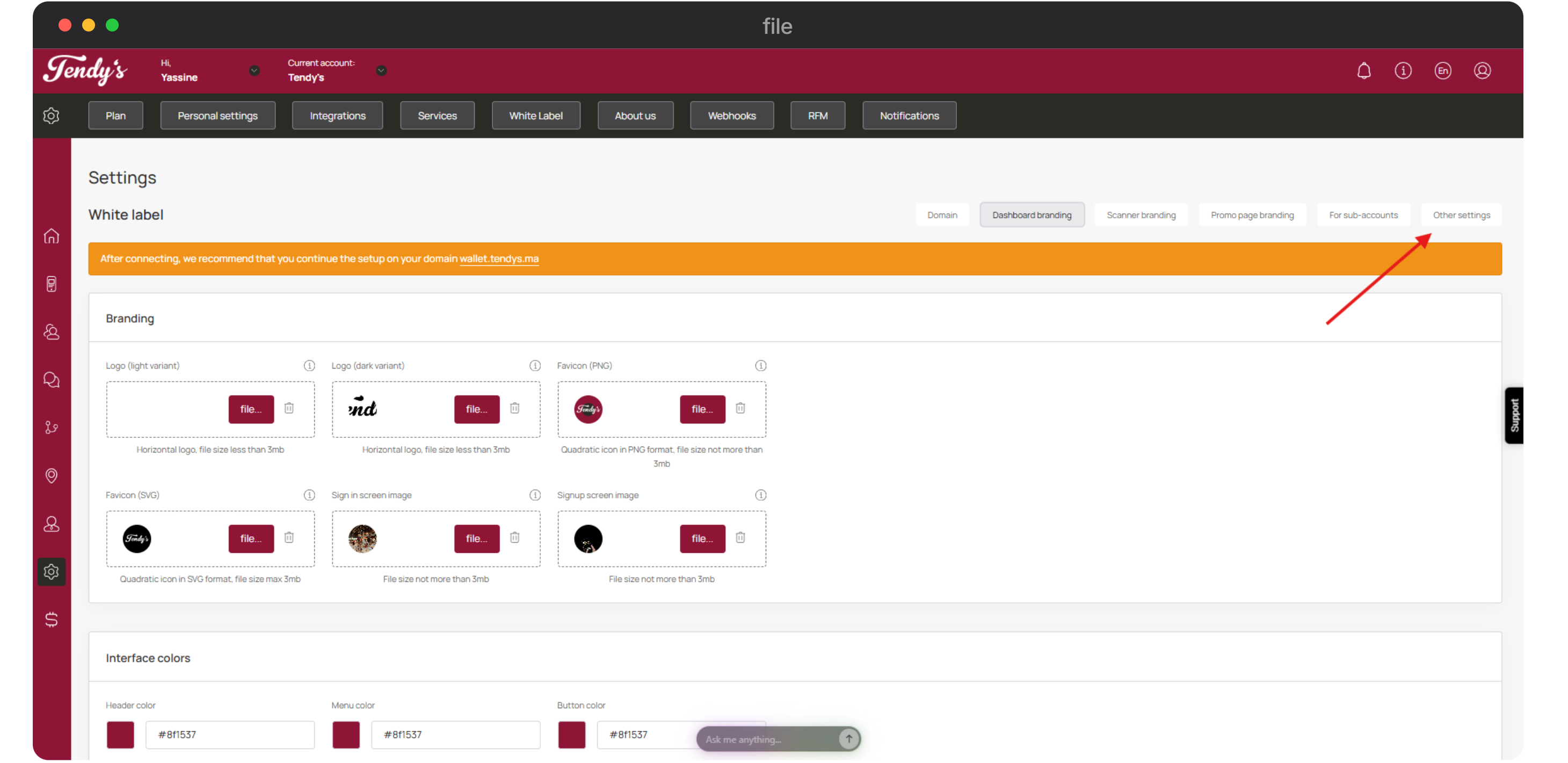
Follow the workflow mentioned above to land on the White Label screen.
From the buttons displayed at the top-right corner, click Other Settings.
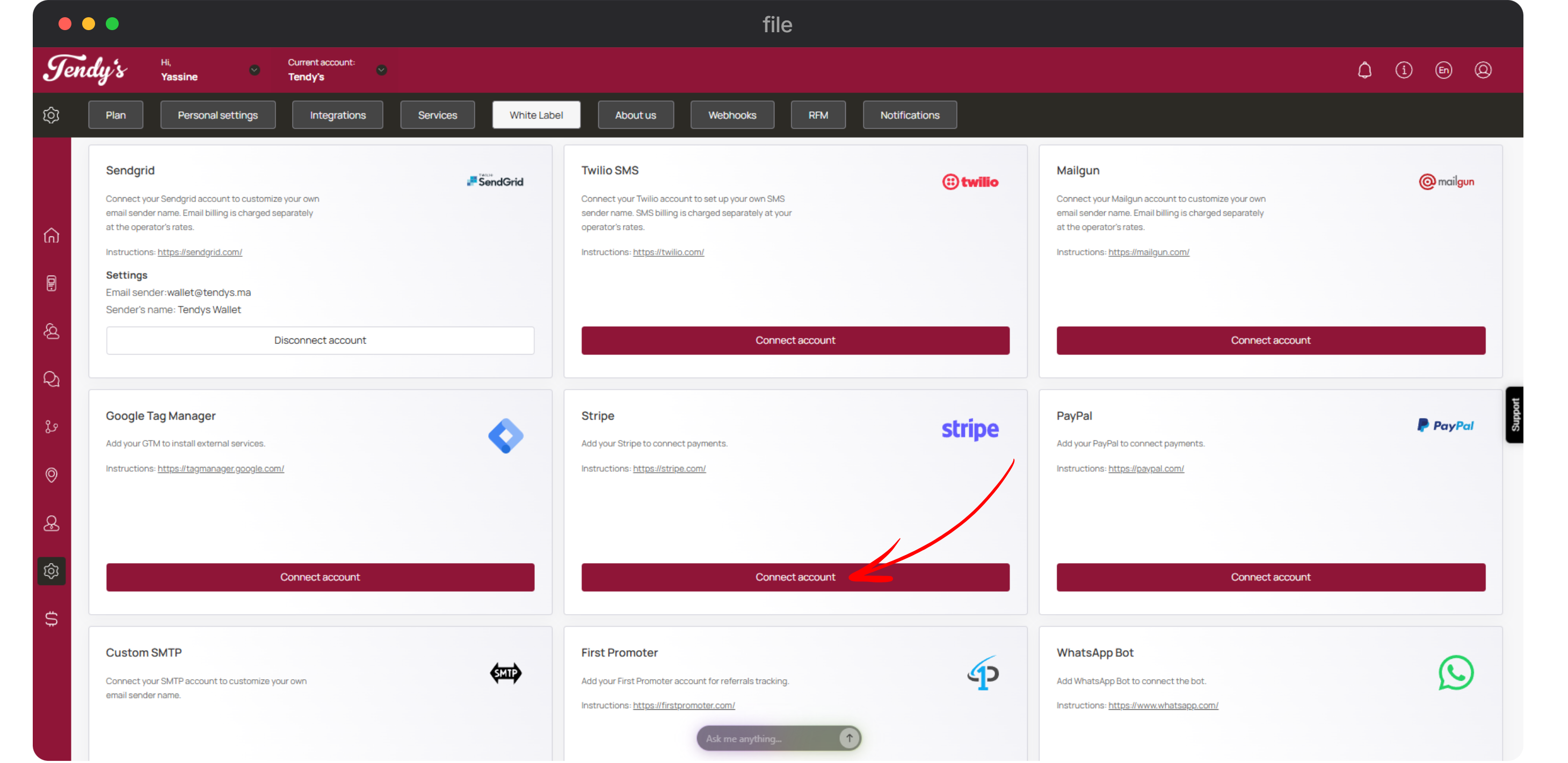
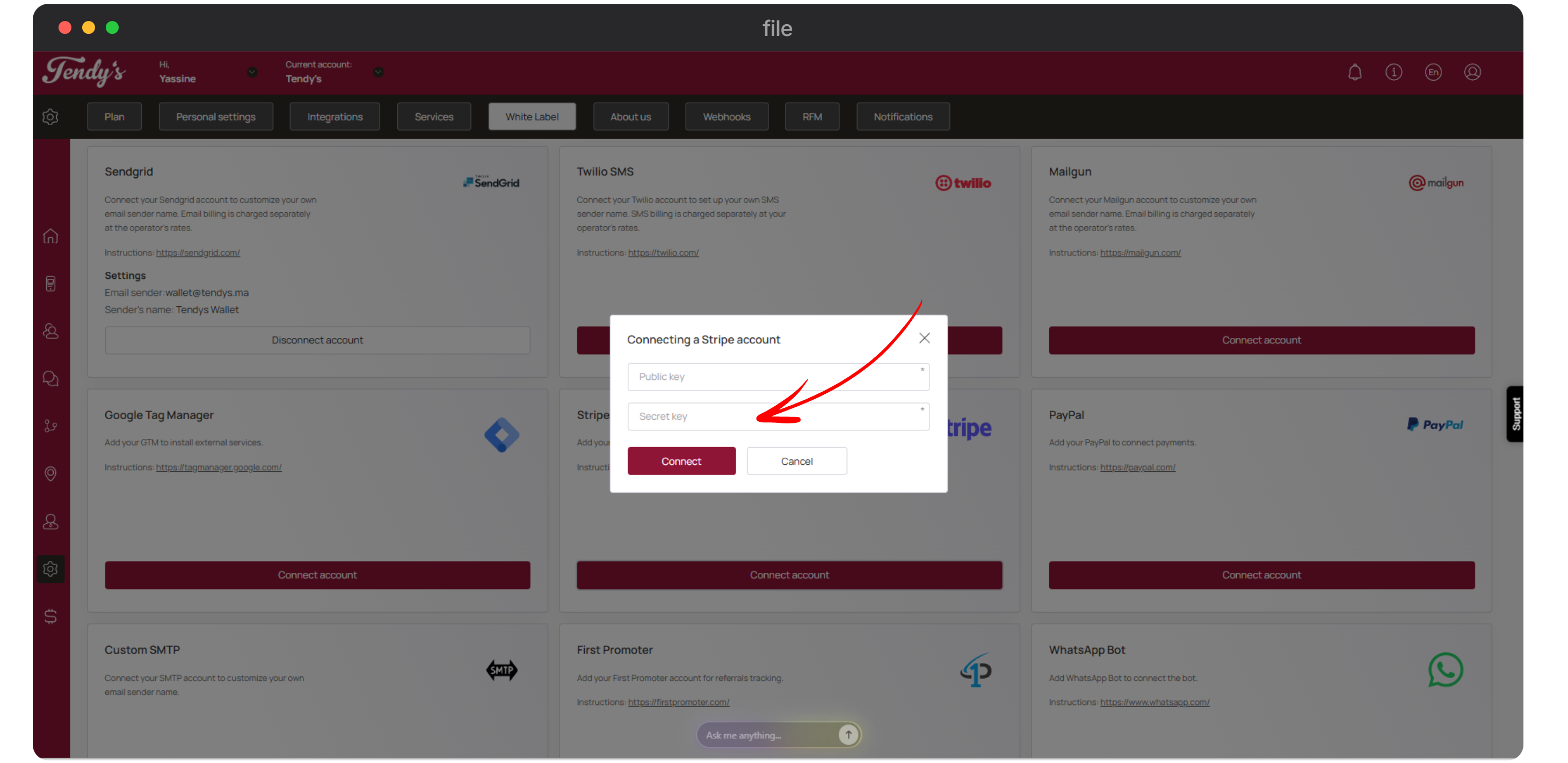
Navigate to the Stripe tile. Click the Connect Account button.
This opens the Connecting to a Stripe Account popup. Here, enter your Strip account public key in the Public Key field.
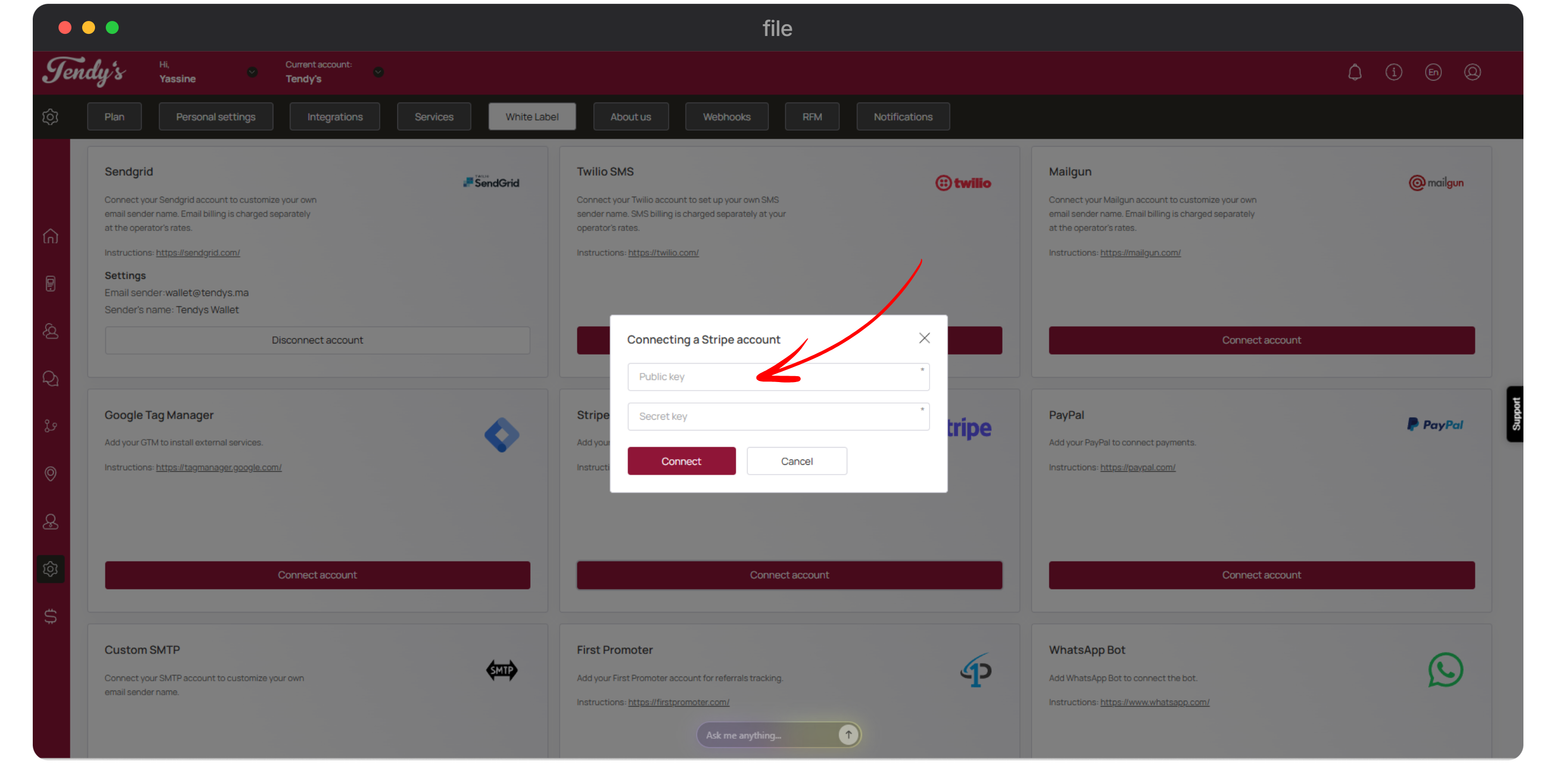
Enter the private key of your Stripe account in the Private key field.
You can learn how to retrieve your account API keys by visiting https://stripe.com/docs/keys.
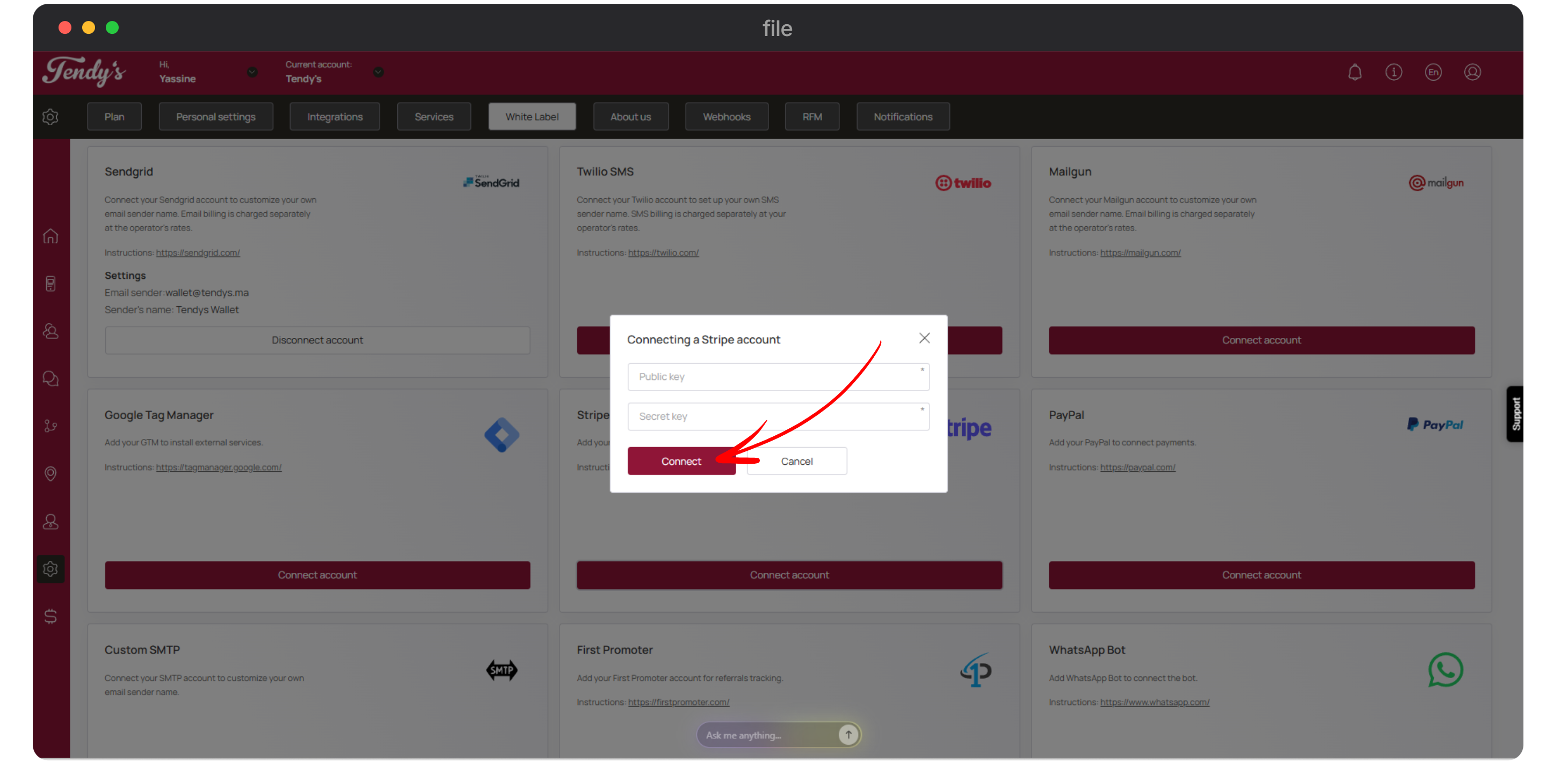
Once both the keys are entered, click the Connect button.